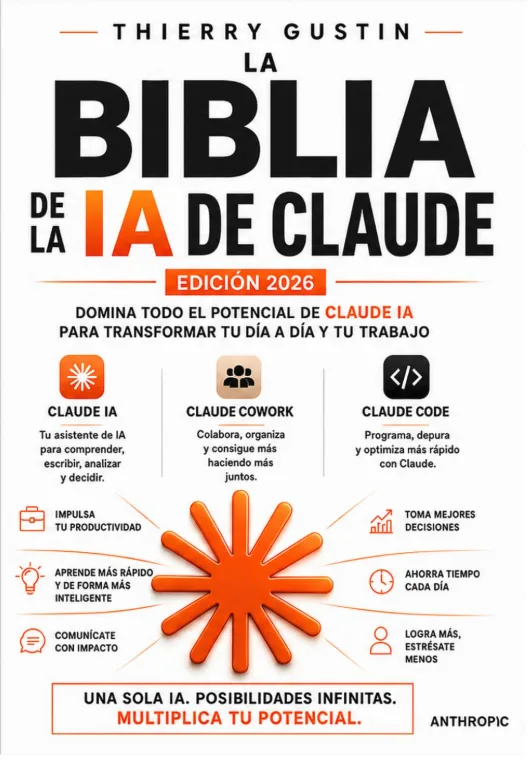
The Claude AI Bible
2026 edition · Master Claude in your daily work
View on AmazonOnline video course
8 practical modules to follow at your own pace, with real examples and lifetime access.
≈ 4 h of video · 8 modules · lifetime access
For employees, freelancers and managers who work with texts and documents and want to save time with Claude. No technical knowledge required.
You will know how to write reliable prompts, organize your work in Projects and create simple tools with Artifacts, without programming.
€147
Video course · ≈ 4 h of video · 8 modules · lifetime access
The program has 8 progressive modules, from basics to connectors and Claude Code without needing to program. Each lesson shows a real case you can reproduce immediately.
Bonus: '50 ready-to-use prompts' in PDF
2026 edition · Master Claude in your daily work
View on Amazon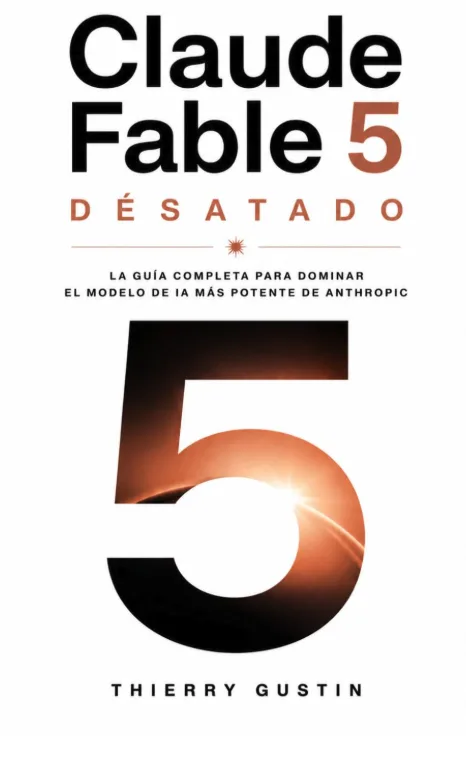
The complete guide to Anthropic's most powerful model
View on Amazon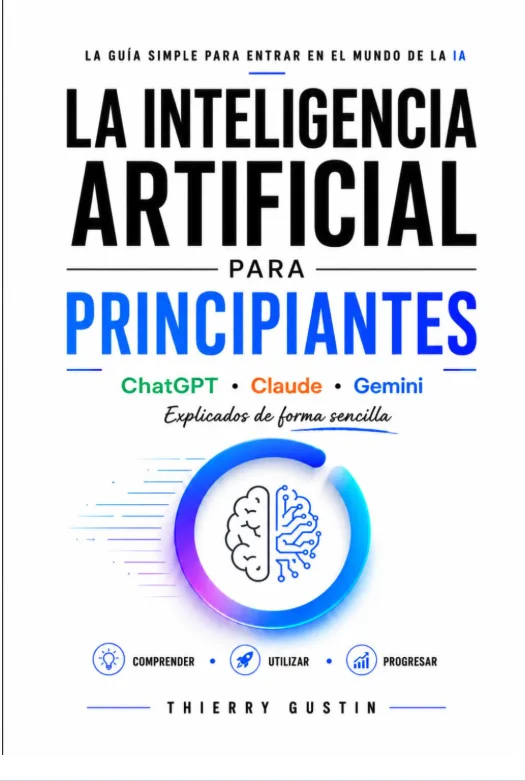
ChatGPT, Claude and Gemini explained in simple terms
View on Amazon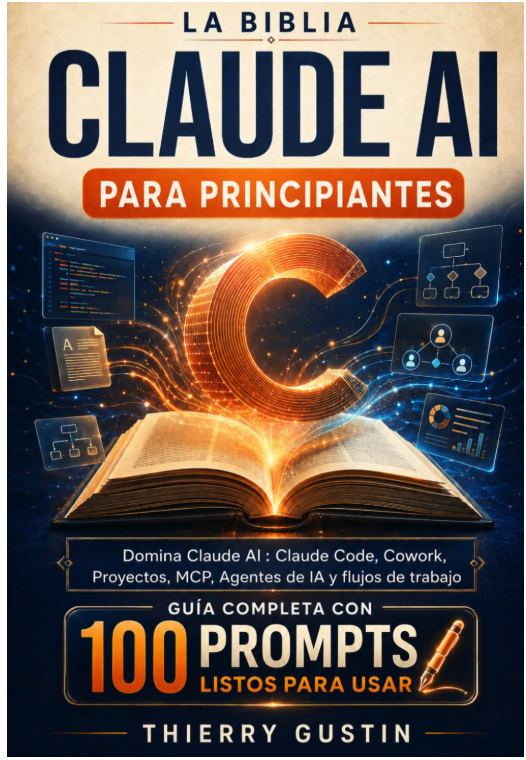
Claude Code, Cowork, Projects, MCP and AI agents · 100 ready-to-use prompts
View on AmazonNo. Most lessons work with Claude's free version. Module 1 explains what paid plans offer so you can decide with confidence.
Access is lifetime, with all future updates included. You follow the lessons at your own pace, on desktop or mobile.
Gumroad sends a receipt after purchase. Contact me for an invoice in your company’s name.
After purchase on Gumroad, you receive your video access link by email. No GustinAI account is required.
Yes. You will have a PDF completion certificate as soon as you complete 100% of the lessons.
€147
Video course · ≈ 4 h of video · 8 modules · lifetime access